You can register using your Google or Apple ID, or you can choose to sign up with your email and password.
Both methods are equally safe and easy.
Visit: https://delta.exchange
Option 1: Sign Up Using Google or Apple
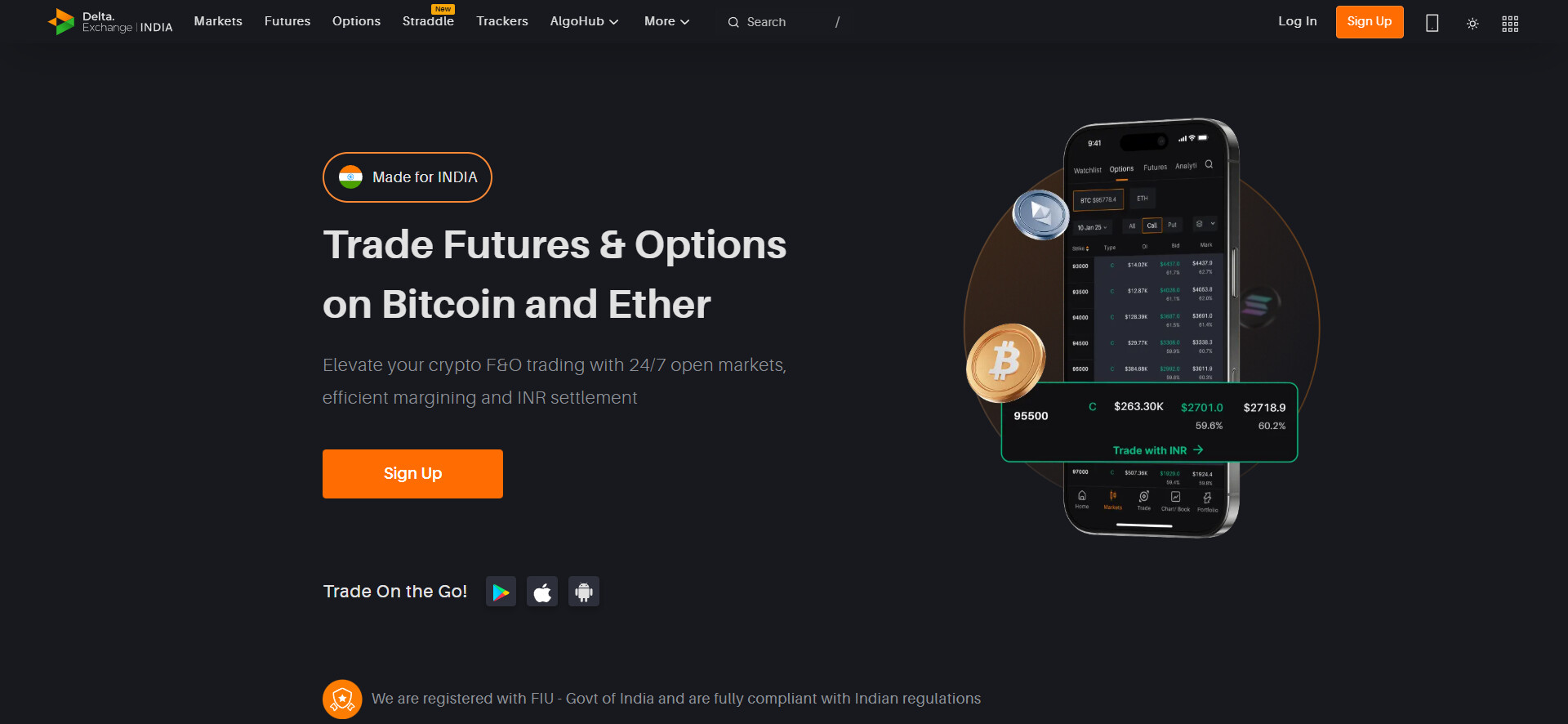
Step 1: Click on the “Sign Up” button on the homepage
Step 2: Choose “Google” or “Apple” to register
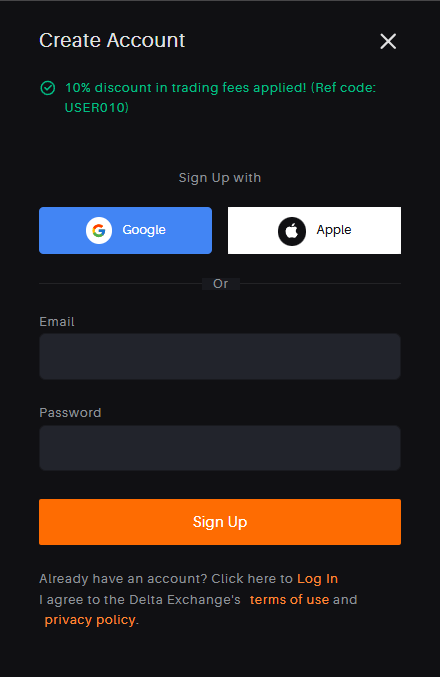
Step 3: Select the email ID you’d like to link to your Delta Exchange account.
That’s it! You’ll be instantly logged in and ready to start exploring the platform.
Option 2: Sign Up Using Email ID and Password
Step 1: Click on the “Sign Up” button
Step 2: Enter your email address and create a strong password
Step 3: Check your inbox for a One-Time Password (OTP) and enter it to verify your email
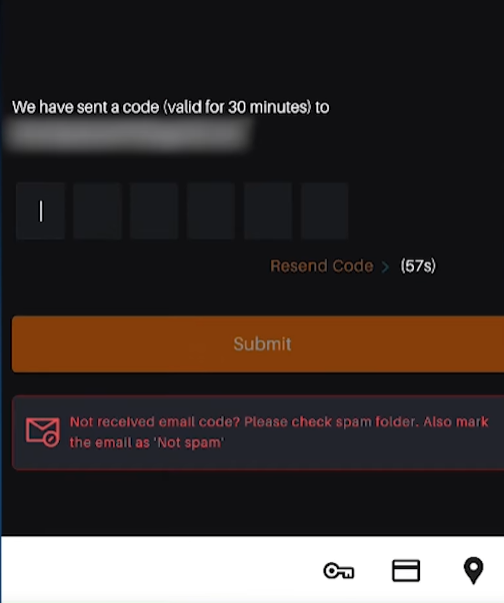
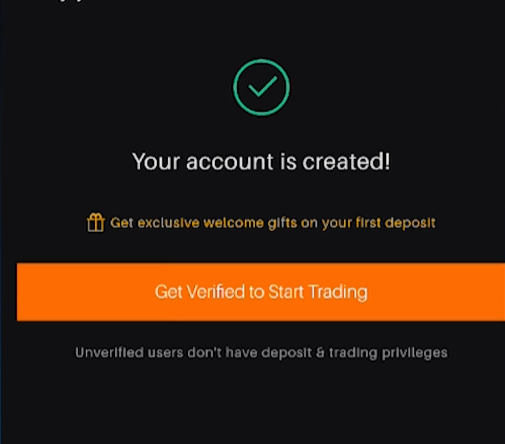
Once verified, your account will be created instantly.
Already Have an Account with Delta Exchange Global?
If you’ve previously registered an email ID with Delta Exchange (global), you can use the same email to sign up on Delta Exchange India.
In such cases, your KYC verification is not required again, and you can continue using the platform seamlessly.